Outfit Preview (Outfit Image Only)

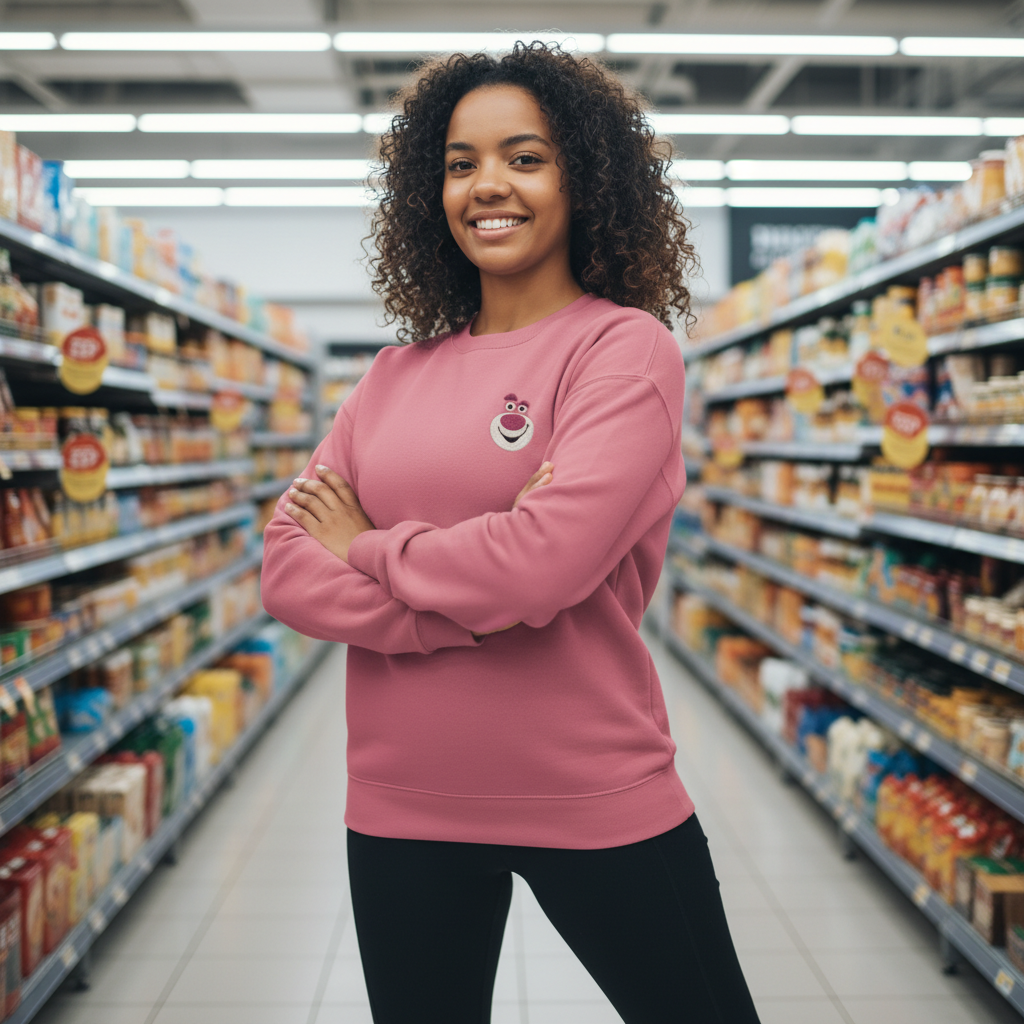
Generate an adult model wearing the outfit — no person photo required.

Upload a clothing image, choose a model look, and get a clean on-body preview. The outfit image is used for clothing detail, not identity.

Outfit-only inputAdult model generationStudio-style previewsBrand-safe outputs

Tip: Use a flat, front-facing outfit photo with clear edges and minimal background clutter. Images under 500 KB may not meet expected results.

No preview yet
No selections yet.
8

Quick verification required to generate.

Generator Settings

Cloth

Upload a clothing reference image to guide the outfit try-on. Clean single-item photos work best.

Basic

Identity

Set the character’s core identity traits—age range (adult), skin tone, ethnicity inspiration, body shape, and overall presence.

Age Range
Select an adult age range for the character. We do not support any minor/underage depiction in this generator.

Basic

Ethnicity
Choose an ethnicity inspiration to guide facial features and overall vibe. Results remain stylized and respectful (not identity claims).

Basic

Presence
Set the overall presence and vibe of the girl (soft, confident, cute, elegant). This controls the impression more than strict physical traits.

Basic

Skin
Pick a skin tone direction to guide the overall complexion and warmth. Designed for natural-looking results across different lighting and styles.

Basic

Body Shape
Choose the body silhouette and proportions for your AI girl. Designed for stable anatomy, flattering curves, and non-explicit fashion/editorial results.

Basic

More outfit stories to explore

Browse a curated mix of looks and find the one that sparks your next clothes swap, colorway, or styling variation.

See All
No stories yet.

More Tag Types

Explore other tag types

Browse all
setting

Setting

Explore tags in this category.

framing

Framing

Explore tags in this category.

Three modes built for real try-on workflows

Choose the input you have and get reliable outfit previews.

Try-On (Person + Outfit)
Keep identity and apply the outfit from a clothing image.
Outfit Preview (Outfit Only)
Generate an adult model wearing the outfit for a clean on-body preview.
Style Presets (Person Only)
Change outfits via structured presets without a clothing reference image.
Identity Locks
Keep face, hair, body shape, and pose consistent across generations.
Pose & Body Stability
Reduce drift and body distortion for reliable try-on results.
Clean, Brand-Safe Output
No explicit content, no minors, no logos, no readable text.
Studio-Level Controls
Lighting, camera, background, and retouch settings for premium fashion results.

How Outfit Preview works

One outfit image in, realistic on-body preview out.

1
Upload the outfit image
Outfit Preview: Image 1 = Outfit. No person photo is needed.
2
Set model and studio controls
Choose lighting, background, camera, and style presets to match your brand.
3
Generate and export
Create clean previews for ecommerce, resale, or design review.

Best uses for Outfit Preview

Turn a single clothing image into a realistic on-body view.

Ecommerce product listings
Show fit and drape without a traditional photoshoot.
outfit preview generatorclothing mockup on model aivirtual try on ai
Resale and marketplace listings
Create on-body previews from flat lays or hanger shots.
generate model wearing outfit aiai try on outfit from clothing image
Design review and merchandising
Preview colorways and variants quickly before sampling.
ai outfit preview from clothing photoai outfit changer online
Creator and lookbook mockups
Generate model wear previews for content and styling ideas.
ai fashion model try on generatoroutfit preview generator

Outfit Preview FAQs

Answers for outfit-only generation.

Create an outfit preview now
Upload a clothing image and generate a clean on-body view.