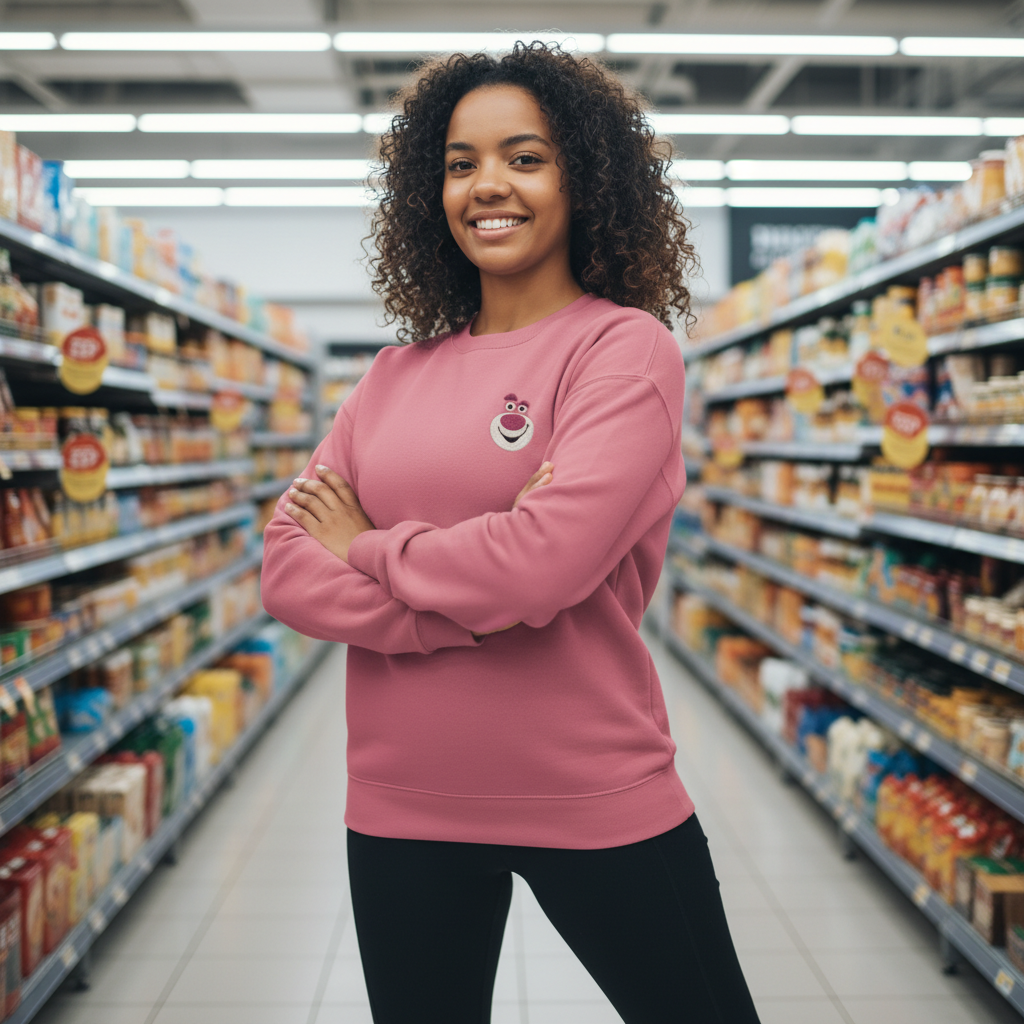
Style Presets (Person Photo Only)

Keep the same person and change outfits with presets — no outfit image needed.

Upload a person photo, choose outfit domains and presets, then generate controlled variations without a clothing reference image.

Person-only inputPreset-driven stylesIdentity locksBrand-safe outputs

Tip: Use a clear person photo and try multiple preset combos for fast lookbook variations. Images under 500 KB may not meet expected results.

No preview yet
No selections yet.
8

Quick verification required to generate.

Generator Settings

Input

Upload optional reference images to guide identity and overall look for realistic try-on results. Use locks to keep results consistent across regenerations.

Basic

Consistency Locks
Locks help keep the same person and composition across multiple generations. Enable them when you want repeatable try-on results in a consistent style. Consistency locks depend on Identity.

Consistency Locks

Outfit

Sexy outfit picks for top, bottom, accessories, material feel, color palette, shoes, style.

Top
Upper-body clothing choices.

Basic

Outfit Style
Outfit style choices.

Basic

Accessories
Accessories choices.

Basic

Material Feel
Material feel choices.

Basic

Outfit Style
Outfit style choices.

Basic

Shoes
Shoes choices.

Basic

Style
Outfit style choices.

Basic

More outfit stories to explore

Browse a curated mix of looks and find the one that sparks your next clothes swap, colorway, or styling variation.

See All
No stories yet.

More Tag Types

Explore other tag types

Browse all
camera

Camera

Explore tags in this category.

setting

Setting

Explore tags in this category.

background

Background

Explore tags in this category.

Three modes built for real try-on workflows

Choose the input you have and get reliable outfit previews.

Try-On (Person + Outfit)
Keep identity and apply the outfit from a clothing image.
Outfit Preview (Outfit Only)
Generate an adult model wearing the outfit for a clean on-body preview.
Style Presets (Person Only)
Change outfits via structured presets without a clothing reference image.
Identity Locks
Keep face, hair, body shape, and pose consistent across generations.
Pose & Body Stability
Reduce drift and body distortion for reliable try-on results.
Clean, Brand-Safe Output
No explicit content, no minors, no logos, no readable text.
Studio-Level Controls
Lighting, camera, background, and retouch settings for premium fashion results.

How Style Presets work

Change outfits without a clothing reference image.

1
Upload a person photo
Style Presets: Image 1 = Person.
2
Pick outfit presets
Choose outfit domains, colors, and structured style controls.
3
Generate variations fast
Create multiple outfit options while keeping identity consistent.

Best uses for Style Presets

Outfit changes when you only have a person photo.

Outfit variations for the same person
Lock identity and generate multiple looks from a single photo.
same person different outfits aiconsistent identity clothes changerai outfit presets
Profile refresh without new photos
Update looks for profiles and portfolios without reshoots.
ai outfit changer from selfiechange outfit without reference image
Creator content and social posts
Generate on-brand outfit variations fast with preset control.
ai dress up photo editorai change clothes with style controls
Uniform lookbooks
Produce consistent series with stable lighting and framing.
ai virtual try on realisticai outfit generator from photo

Style Presets FAQs

Answers for person-only outfit changes.

Generate outfit variations in minutes
Upload a person photo and let presets handle the styling.